
A field guide to this website
This site has grown past the point where a menu explains it. There are over a thousand pages here, more than three hundred species accounts, a search built specifically for wildlife names, and a set of tools I built for photographers. Most of it is easy to miss. This page walks through all of it — what each part holds, and what every button on a species page actually does.
Search
The search page does not use the stock website search. I replaced it, because the stock one matched letters rather than words — searching sand boa used to return a sand racer, purely because its page said the species "boasts" remarkable adaptations.
- What it covers
- Every species account, every blog article, the video collection, and the store — over seven hundred pages, all searched at once.
- Three ways in
- Common name, scientific name, or Arabic name. All three are indexed for every species, so Cerastes gasperettii, Arabian Horned Viper and الأفعى المقرنة العربية all land on the same page.
- Spelling
- It tolerates near-misses. Scientific names are hard to type and accents are optional — bee eater, bee-eater and beeeater all work.
- Filters that change
- Narrow by group first, and the filters adapt to what you picked. Birds offer migration status and habitat; reptiles and amphibians offer venom level and terrain. There is no point offering a venom filter on a list of herons.
Inside a species page
This is the part most visitors never find. A species account is not a photo gallery with a caption — each one carries a row of buttons that open real information, and on most pages there are six or seven of them. They sit under the species name. On a phone, where that row would be out of reach the moment you scroll, two extra bars appear instead — both of them below 768px only.
Naming it
Every species page- The name
- Common name and scientific name at the top, with the Arabic name underneath. The site is bilingual throughout.
- Speak
- Press it to hear the scientific name pronounced out loud, and to read what the name actually means — most scientific names describe the animal, or honour the person who first described it. Where the meaning is not known with confidence, it says nothing rather than guessing.
- ID Card
- A one-page reference card for the species: the details you would want in the field, without the photo essay around them.
Where and when to find it
The four buttons that answer "can I go see this?"- Map
- An interactive distribution map built from public biodiversity records — real reported sightings, not a painted range. Zoom in and you are looking at where people have actually recorded the animal.
- When to see it
- Twelve monthly bars showing when the species is recorded through the year. For a migrant this is the whole story; for a resident it shows when it is most active.
- How common
- On UAE birds, a band showing how likely you are to encounter it — from very common down to vagrant — taken from the official Emirates checklist rather than my own impression. If a bird is not on that checklist, the button says so instead of pretending.
The EBRC Annotated Checklist's own six-point scale, with the bird's own band marked — here FC, Fairly common. A Vagrant and a Very common bird can have identical maps; this is the button that tells them apart.
- Habitat
- Which habitats the species actually uses, marked against the same six habitats the site is organised by.
Status and safety
Where it applies- Status
- The IUCN Red List category, shown on the full nine-step scale from Least Concern through to Extinct — so you can see where the species sits, not just read a label.
All nine steps, always shown, with this species' own category marked — here LC, Least Concern. Seeing the whole ramp is the point: a category means little without the ones either side of it.
- Venom and Poison
- On snakes, scorpions, spiders and the toads and newts that carry toxins, a three-tier scale separating venomous (it injects) from poisonous (you absorb it). Two different risks, two different scales, and the page shows which one applies.
Three steps, and the skulls carry the level onto the button itself, so you can read it without opening anything. Poison uses a matching ramp: none, irritant, toxic.
Read this before you go herping. The venom scale is there to inform, not to rank a challenge. Nothing on this site is a handling guide. Photograph from a distance, leave the animal where you found it, and do not test a scale against a living snake.
Around the species
Further down the page- Relatives
- The other species in the same genus, with the ones I have documented marked and linked. It shows you what is missing as well as what is here.
- At a glance
- A summary card near the foot of the page pulling the key facts together in one place.
- Field Encounter
- Where and when I actually met this animal, and what the encounter was like. This is the part no database can give you.
- Photos
- The full gallery for the species. On a phone it becomes a swipeable carousel so the images stay large instead of shrinking to thumbnails.
Galleries and collections
Collections that cut across species — grouped by behaviour, by difficulty, or by year. Most of them sit under More From Nature.
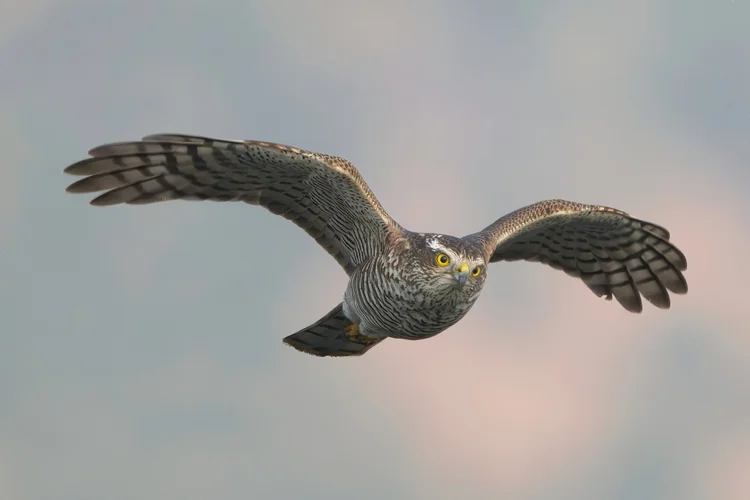
Hall of Fame
The best of the best. If you only have five minutes here, spend them on this page.
View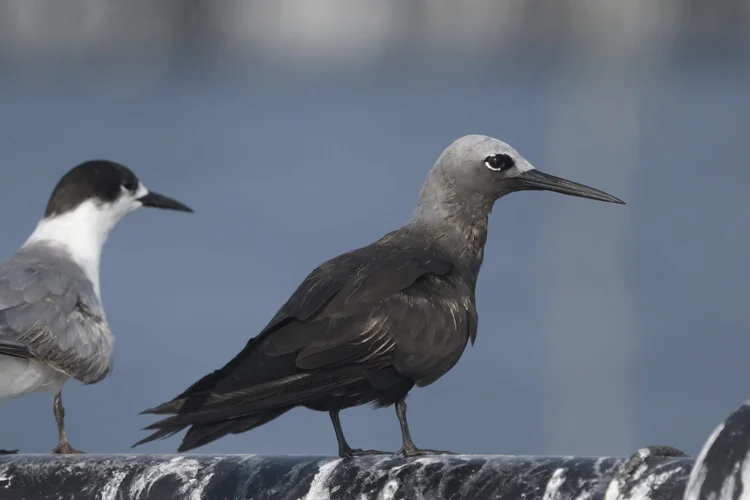
Mission Impossible
The hardest shots I have taken — species that took months of failed attempts.
View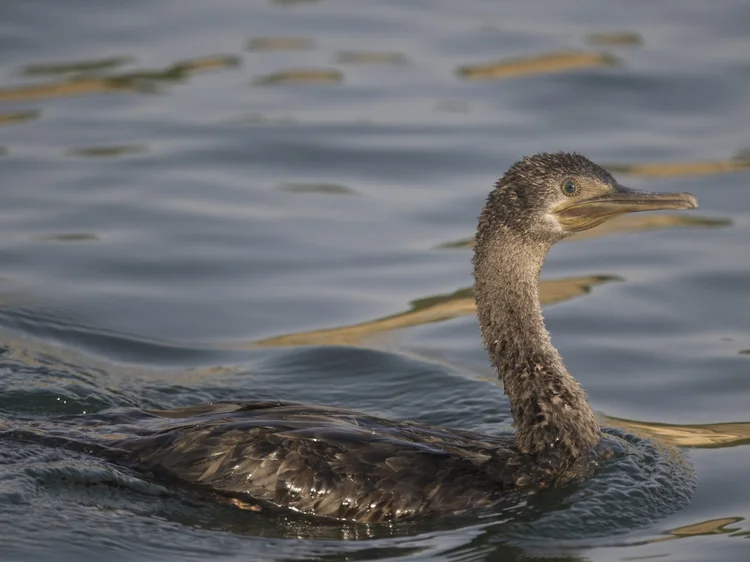
Similar Look
A visual comparison guide for birds that are easily confused with one another.
View
Unusual Moments
Strange positions, odd wing stretches, intimate moments you do not normally see.
View
Fight Club
Birds fighting over territory, food and survival. Not comfortable viewing.
View
Eating
Birds and mammals at the moment of feeding — predators and foragers both.
View
In Flight
Wingspans and mid-air motion, from raptors to waders.
View
Groups and Pairs
Wildlife photographed in company rather than alone.
View
Landscape
The places themselves — mountains, wadis, coastline and desert.
View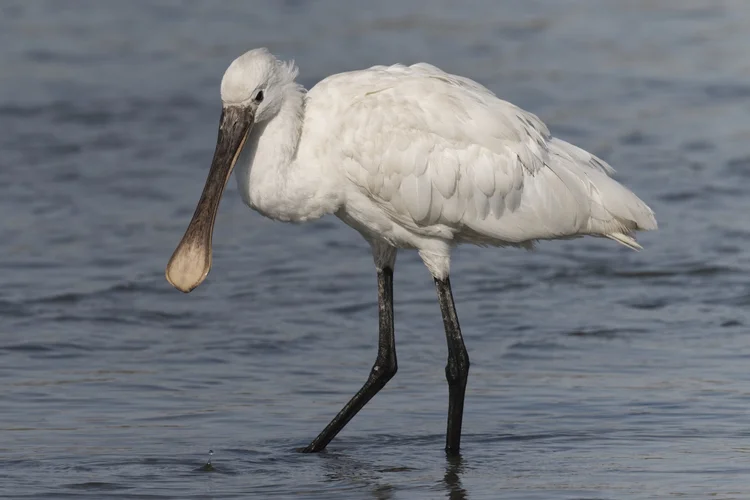
Video
Short clips sorted by habitat: forest, wetlands, herping, and a documentary set.
View
Nature Whisper
My Lebanon work, shown as an exhibition alongside Harald Zankl.
View
Wildlife Harmony
Not my photographs — a showcase of other wildlife professionals I respect.
View
Best of the Year
One curated set per year, chosen at the end of it. 2022 through 2025.
ViewTools for photographers
Seven tools, all free to try, all built for the problems I keep running into myself. Five of them use AI and give you a limited number of tries; members get more. Two are pure calculators with no limit at all. They live on the Wildlife Tools page, and they only run from this website.
UAE Wildlife ID
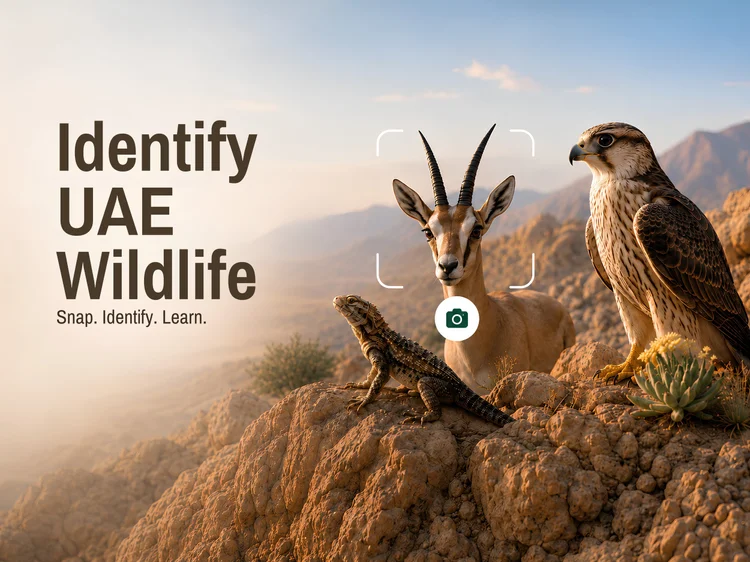
Upload a photo of a bird, reptile, mammal or insect from the UAE and get a likely identification with species information attached.
Try the tool →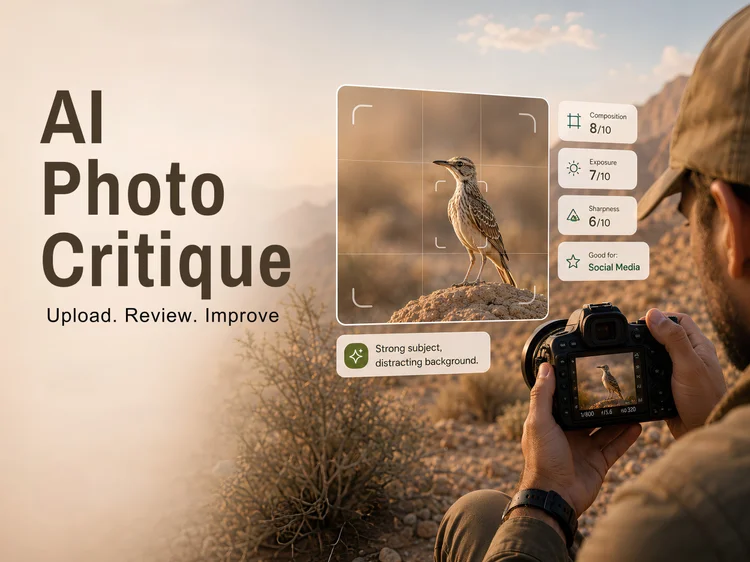
Photo Critique
Honest feedback on composition, exposure, colour, sharpness, noise, background and subject placement — scored, with what to fix. It is blunt on purpose.
Try the tool →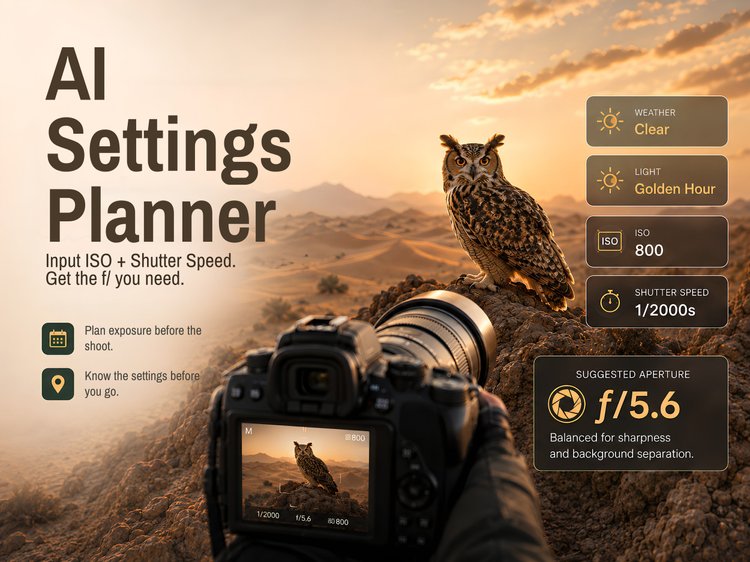
Settings Planner
Give it your ISO, shutter speed, location and time window. It reads the weather and sun position and tells you the aperture you will need, every half hour across the session.
Try the tool →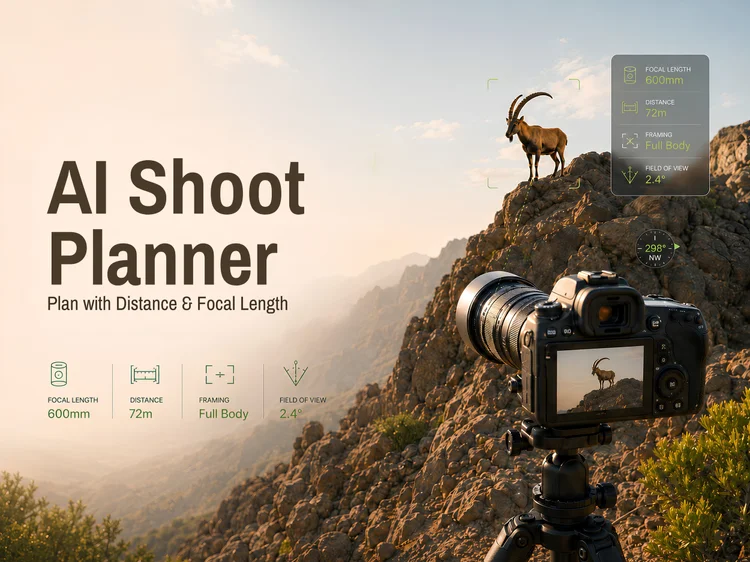
Shoot Planner
How far do you need to stand to fill the frame with this species at this focal length? Work it out before you leave, not while the animal is walking away.
Try the tool →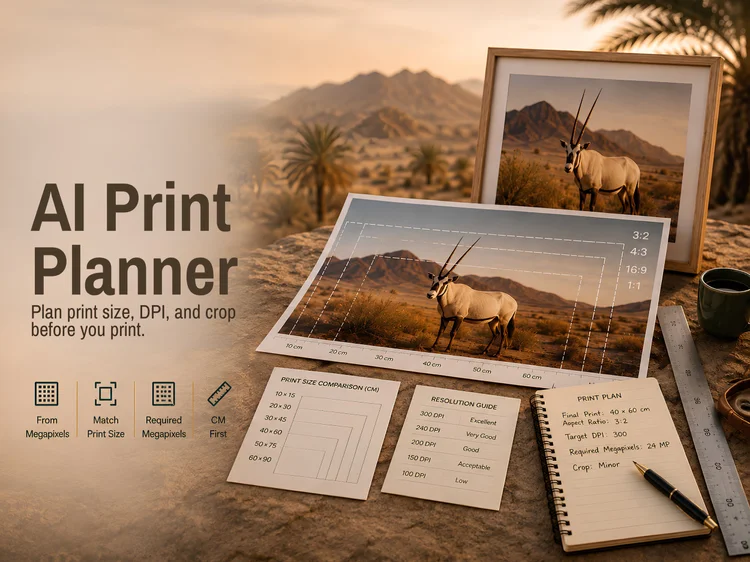
Print Planner
The largest size your file will print at, how a photo crops into a standard print, and the resolution a chosen size needs. Runs entirely in your browser — no photo is ever uploaded.
Try the tool →
Gear Finder
Body and lens combinations for wildlife, macro, landscape or astro, filtered by budget, weight and what you actually shoot.
Use the tool →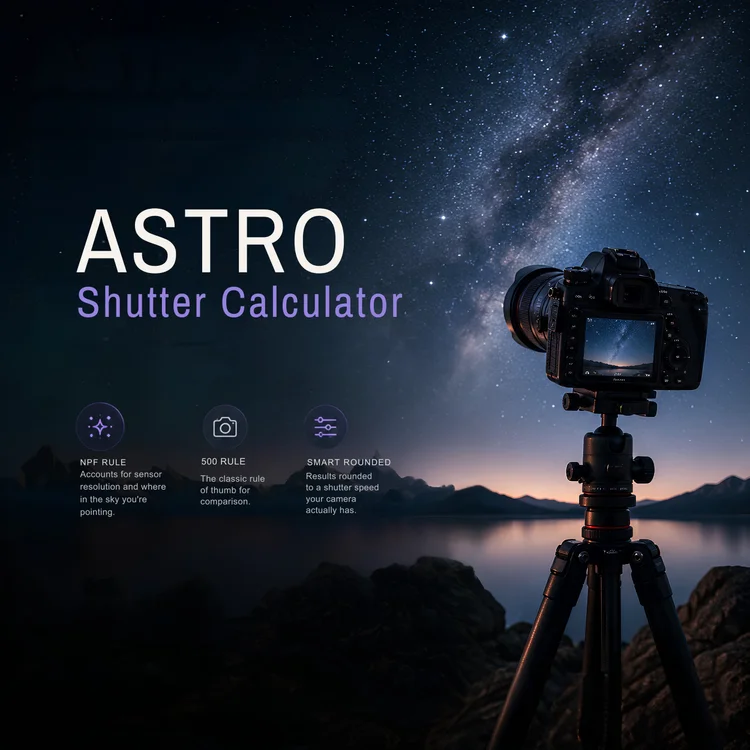
Astro Shutter Calculator
The longest exposure you can use before stars turn into trails, for your sensor, focal length and the part of the sky you are pointing at.
Use the tool →- A word on the AI
- The AI tools are assistants, not authorities. An identification is a strong suggestion to check, not a verdict — especially with lookalike species. Nothing I built replaces a field guide or a person who knows the group.
Reading and technique
- Blog
-
Around sixty articles drawn from fieldwork rather than from watching videos about fieldwork: encounters, gear I actually use, ethics, business, and the parts of this that go wrong. Sorted into categories if you want a specific thread.
- Technical
- Camouflage methods, the gear I carry and why, and technique for specific situations. It also covers targeted photography — picking one species, finding the right spot, and waiting. That process takes days, sometimes weeks, occasionally months.
- About
- Who I am and how this started.
- Contact
- For questions, corrections, or anything the site got wrong. Corrections are genuinely welcome.
Trips, merchandise and websites
- Book a Trip
- Guided wildlife photography in the UAE — birdwatching, herping, and targeted trips for a specific species. This is where the field knowledge behind the rest of the site gets used directly.
- Store
- Prints, apparel and accessories from the UAE work.
- Wildlife Platform Consultancy
- Website building for wildlife photographers, guides, researchers, NGOs and conservation projects. Everything described on this page — the species system, the search, the tools — was built here first. It is not a theory about what a wildlife platform needs.